RASCI matrix maker: one lane per role, every hand-off explicit
- Free
- No sign-up
- Works offline
Map who does, who owns, who helps, who's consulted and who's informed — then play the plan for the room.
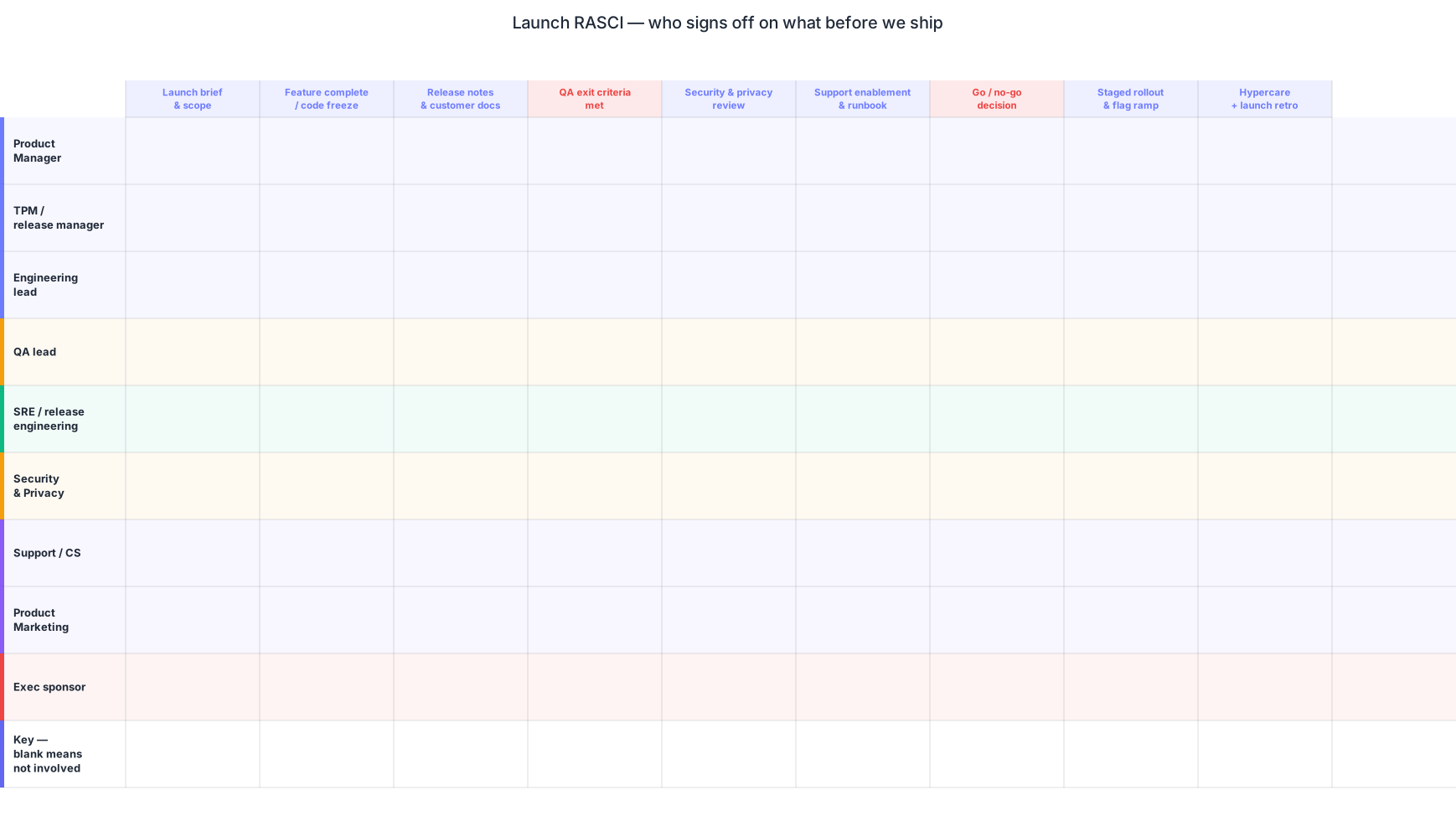
Diagramium is a free RASCI matrix maker that builds the matrix as a swimlane diagram: one horizontal lane per role, every task placed in the lane of the role that does it, and connectors crossing lanes wherever another role owns, helps, advises or gets told. When you press Present, the plan plays out one assignment at a time — a walkable answer to the question every kickoff circles: who exactly does what?
It runs in the browser, needs no sign-in to start, and keeps your diagram on your own machine. RACI works the same way here — RASCI simply adds the Support row — and three ready-made RASCI swimlanes ship with the app, so you can open a working matrix and rename the lanes instead of facing a blank sheet.
The five letters, taught properly
A RASCI matrix gives every task five possible relationships to a role: Responsible, Accountable, Support, Consulted, Informed.
- Responsible does the work. A task can have more than one.
- Accountable owns the outcome and answers for it. Exactly one per task — this is the rule that saves projects. When two roles share the A, each assumes the other is watching, and the task loses its owner at the moment it starts to slip.
- Support helps the Responsible get the work done. This is the letter RASCI adds to RACI.
- Consulted gives input before the work happens — a conversation, not a notification.
- Informed is told after. No input expected.
Support earns its keep when tasks borrow real labour from other teams: a platform engineer lending a week to a migration, a designer producing launch assets for a campaign someone else runs. If nobody on your plan helps without owning, drop the S and run plain RACI. The project manager's guide to the RASCI matrix goes deeper on choosing between the two.
One lane per role, the work wired across
In Diagramium, a RASCI matrix is a swimlane process, not a grid of letters. Each role gets a lane; each task sits in the lane of its Responsible role; arrows cross lanes to mark the Accountable, the Support, the Consulted and the Informed. The plan reads in the order the work actually happens, so every hand-off between roles is a drawn line rather than an inference from a table.
In Present mode the diagram reveals step by step. Each task can carry a note and a "why this matters" insight, and the optional AI voice narration reads them aloud with word-by-word subtitle highlighting — so instead of a bare C in a cell, your audience hears why Legal is consulted before the announcement goes out. The animated example on this page is one of these matrices, drawing itself on loop.
Three RASCI templates to start from
Three ready-made RASCI swimlanes ship with Diagramium, and each opens straight in the editor for you to adapt:
- Launch RASCI: who signs off before we ship — sign-off ownership in the run-up to a release.
- Project RASCI, initiation to close — role assignments across a full project lifecycle.
- Who decides what on an agile team (RASCI) — decision rights for product and engineering roles.
Rename the lanes to match your org chart, adjust the letters, and the matrix is yours. Hundreds of other editable diagrams — swimlanes, flowcharts, Gantt charts and more — live in the Explore gallery.
From role list to presented plan
Six steps take you from a list of roles to a matrix you can play for the room.
- Open the swimlane editor and load one of the three RASCI templates, or start with empty lanes.
- Create one lane per role — sponsor, project manager, engineering lead, QA, legal. Only add roles that appear in the plan; empty lanes are noise.
- Add each task to the lane of its Responsible role, left to right in the order the work happens.
- Wire connectors across lanes for the other letters, and label each one: A to the single Accountable, S where another role shares the labour, C for input beforehand, I for notification after.
- Audit the A's. Every task gets exactly one Accountable — no zeroes, no ties.
- Write a short note per step, press Present to walk the plan hand-off by hand-off, then export a PNG or PDF still — or an SVG, animated GIF or video of the whole reveal.
New to lanes as a form? How to create a swimlane diagram covers the diagram type itself.
Spreadsheet grid or presented swimlane?
A spreadsheet RASCI and a presented swimlane hold the same facts in different shapes, and the shapes are good at different jobs. The grid — tasks down the rows, roles across the columns, a letter in each cell — is compact and complete. It answers point questions instantly: what is Marketing on task 7? It also shows everything at once, in no particular order, with no room for a reason; the cell says C, never why.
The swimlane holds the same assignments as a sequence. Played step by step, each task arrives with its cross-lane connections and its note, so a kickoff audience agrees to one ownership decision at a time instead of nodding at forty letters. Plenty of teams keep both: the grid as the standing record, the swimlane for the meeting where ownership actually gets agreed — and for the replay when someone new joins.
Frequently asked questions
What does RASCI stand for?
RASCI stands for Responsible, Accountable, Support, Consulted and Informed. Responsible does the work. Accountable owns the outcome and answers for it — exactly one per task. Support helps the Responsible with the labour. Consulted gives input before the work is done. Informed is told after. Assign those five letters across every task and role and you have a complete ownership map for a project.
What is the difference between RACI and RASCI?
One letter: Support. RACI covers Responsible, Accountable, Consulted and Informed; RASCI adds an S for roles that actively help with the work without owning it — a platform engineer aiding a migration, a designer producing assets for a launch they don't run. If no task on your plan has that kind of helper, plain RACI is enough. Diagramium's swimlane approach works identically for both.
How many Accountable roles can one task have?
Exactly one. This is the rule that keeps a RASCI matrix useful: when two roles share the A, each can assume the other has it, and the task has no owner precisely when it slips. Several roles can be Responsible, Supporting, Consulted or Informed on the same task, but the A is singular. Walking the tasks one at a time in Present mode makes a missing or doubled Accountable easy to catch.
Is the RASCI matrix maker free, and do I need an account?
It's free, and there is no paid tier. You can build the matrix, present it and download PNG, SVG or PDF stills — or the animated formats GIF, video and animated SVG — without signing in.
Which formats can I export a RASCI matrix to?
PNG, SVG and PDF stills are available to everyone, no sign-in required. The moving formats — animated GIF, video and animated SVG, which replay the step-by-step reveal — are free too, with no account. Every export downloads straight to your machine.
Does it work offline, and where is my diagram stored?
Diagramium is local-first: your RASCI matrix lives in your browser and in the files you download, and nothing you draw is uploaded. Once the page has loaded, you can keep editing and presenting without a connection. The app shows no ads and runs no analytics; nothing about you or your diagrams is collected.
More diagram makers
A flowchart maker that walks its own path · The sequence diagram maker that draws what you type · A mind map maker that turns brainstorms into walkthroughs · An architecture diagram maker that walks the request path · A UML diagram maker that walks through your design · An ER diagram maker that presents your schema step by step · A data flow diagram maker that presents the path data takes · The animated diagram maker where diagrams explain themselves · An AI Diagram Maker for the Assistant You Already Use · A free timeline maker for roadmaps, launches, and history · The Gantt Chart Maker That Explains Your Schedule · Software release plan maker: from code freeze to hotfix lane · A free org chart maker that presents itself level by level · A free Venn diagram maker where the overlap is the point · A free process map maker for the way work actually runs · A free state machine diagram maker that walks every transition · A free concept map maker where every link says what it means · A free customer journey map maker that shows where it hurts · A free decision tree maker where every path reaches an answer · A free fishbone diagram maker for finding the actual cause · A free network diagram maker that keeps your topology private · A free use case diagram maker that shows who can do what · A free threat model maker that stays on your machine · A free C4 model maker, one level at a time · A free BPMN diagram maker for processes two teams must agree on · A free kanban board maker for explaining how work flows · A free sitemap diagram maker for planning a site's structure