A free kanban board maker for explaining how work flows
- Free
- No sign-up
- Works offline
Set the columns, drop the cards, mark the limits — then press Present and take a team through the workflow one column at a time.
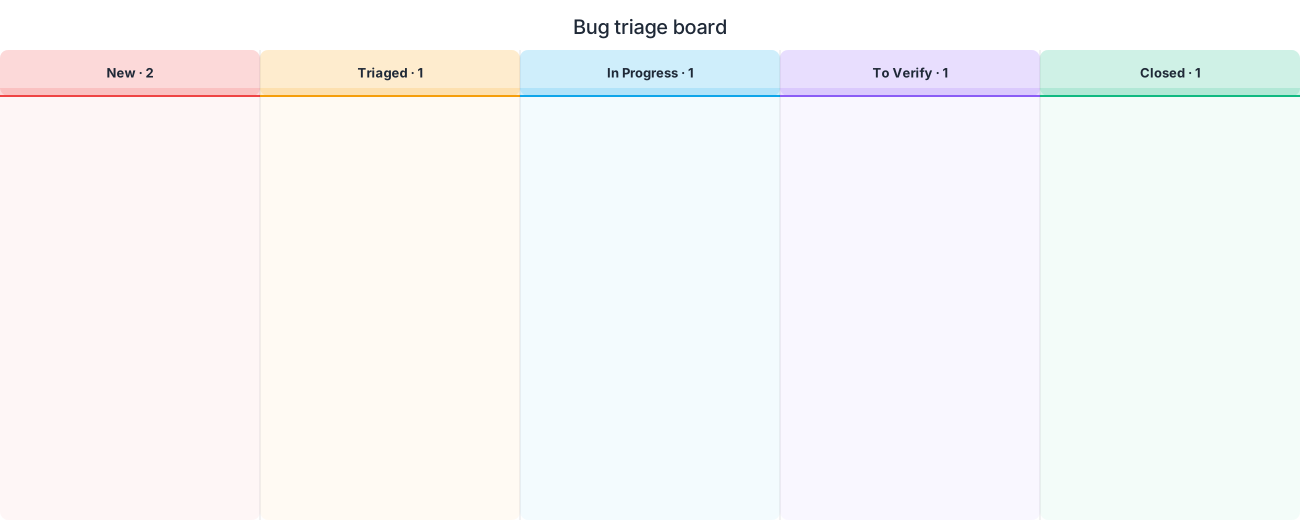
This is a kanban board for designing and explaining a workflow: the board you draw when a team is agreeing how work should move, or documenting how it already does. Free, no sign-up, stored in your browser.
It is worth being clear about what it is not. This is not a ticket tracker — there is no backlog sync and no assignee notifications. It is a diagram, which makes it the right tool for the conversation that happens before the tracker is configured.
Columns, cards and WIP limits
The columns are the states work passes through, and the discipline is to name them after states rather than activities: Ready for review beats Reviewing, because a card sitting in it is waiting rather than being worked on. That distinction is what makes queues visible.
A WIP limit is the number written on a column — the maximum cards allowed in it at once. It is the single most valuable mark on a kanban board and the one most often left off: without it, a board is a list with extra steps.
Splitting a column into doing and done sub-columns is how you see whether a bottleneck is capacity or hand-off. Work piling up in done means the next stage is not pulling.
A board for the conversation, not the ticket queue
Use this when you are designing the workflow, onboarding someone into it, or showing a bottleneck to people who do not live in the tracker. The board can sit in a document or a handbook and stay readable, which a screenshot of a live tool does not.
If the process has decisions and loops rather than columns, a swimlane models it better; if the point is dates and dependencies, use a Gantt chart.
Present it column by column
Press Present and the board builds one column at a time, narrated — what enters it, what the exit criteria are, what the limit is and why. That is a far better introduction to a team's process than handing someone a link to the live board.
How to make a kanban board, start to export
Open the editor, name the columns in the order work flows, then add cards. Write the WIP limit on each column and the exit criteria in its notes. Export a PNG for the handbook, or present it in the retro.
Free, private, and offline
Diagramium is free and there is no paid tier. Draw, present and export without an account: every theme, PNG, SVG, PDF and the animated formats — GIF, video and animated SVG — are open to everyone.
Your diagram is stored in your own browser, not on a server. It keeps working with the network off, and nothing you draw is ever uploaded.
Frequently asked questions
Is this kanban board maker free?
Diagramium is free and there is no paid tier. Draw, present and export without an account: every theme, PNG, SVG, PDF and the animated formats — GIF, video and animated SVG — are open to everyone.
Can I use this to track real tickets?
It is a diagramming tool, not a tracker — there is no integration with an issue system and no assignee workflow. Use it to design, document and explain the board; use a tracker to run it day to day.
What is a WIP limit and where does it go?
The maximum number of cards allowed in a column at once, written on the column header. It is what turns a board into a system that surfaces bottlenecks rather than just displaying work.
How many columns should a kanban board have?
As few as describe the real states — often four or five. Every extra column is a hand-off, and hand-offs are where work waits.
What is the difference between kanban and scrum?
Kanban is continuous flow with limits on work in progress; scrum works in fixed sprints with a committed scope. A kanban board suits a stream of unpredictable work; a Gantt chart suits a plan with a deadline.
More diagram makers
A flowchart maker that walks its own path · The sequence diagram maker that draws what you type · A mind map maker that turns brainstorms into walkthroughs · An architecture diagram maker that walks the request path · A UML diagram maker that walks through your design · An ER diagram maker that presents your schema step by step · A data flow diagram maker that presents the path data takes · The animated diagram maker where diagrams explain themselves · An AI Diagram Maker for the Assistant You Already Use · A free timeline maker for roadmaps, launches, and history · The Gantt Chart Maker That Explains Your Schedule · Software release plan maker: from code freeze to hotfix lane · RASCI matrix maker: one lane per role, every hand-off explicit · A free org chart maker that presents itself level by level · A free Venn diagram maker where the overlap is the point · A free process map maker for the way work actually runs · A free state machine diagram maker that walks every transition · A free concept map maker where every link says what it means · A free customer journey map maker that shows where it hurts · A free decision tree maker where every path reaches an answer · A free fishbone diagram maker for finding the actual cause · A free network diagram maker that keeps your topology private · A free use case diagram maker that shows who can do what · A free threat model maker that stays on your machine · A free C4 model maker, one level at a time · A free BPMN diagram maker for processes two teams must agree on · A free sitemap diagram maker for planning a site's structure